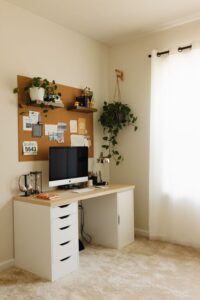
Tips for Creating a Productive Home Office Environment
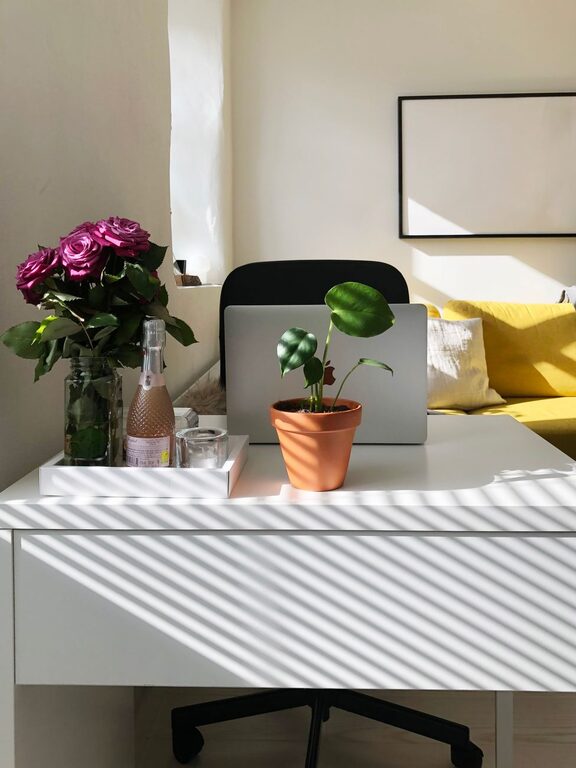
Creating a productive home office environment is essential for anyone working remotely or managing tasks from home. A well-organized and comfortable workspace can significantly enhance focus, efficiency, and overall job satisfaction. Whether you’re new to working from home or looking to improve your current setup, these tips will help you design a space that supports your productivity.
Choose the Right Location
Find a Quiet Spot
Selecting the right place in your home is the first step. Choose a quiet area with minimal distractions where you can concentrate on your tasks. If possible, a separate room dedicated to work helps create a clear boundary between your professional and personal life.
Consider Natural Light
Natural light has been shown to improve mood and energy levels. Set up your desk near a window to maximize sunlight during the day. If natural light is limited, invest in good quality artificial lighting that mimics daylight to reduce eye strain.
Invest in Ergonomic Furniture
Comfortable Chair and Desk
A good ergonomic chair that supports your lower back and encourages proper posture is key to staying comfortable during long work hours. Pair it with a desk at a suitable height to avoid slouching or reaching.
Adjustable Equipment
Consider adjustable desks or monitor stands that allow you to change positions throughout the day. Alternating between sitting and standing can reduce fatigue and improve circulation.
Organize Your Workspace
Declutter Regularly
Keeping your workspace tidy can help reduce distractions and stress. At the end of each day, take a few minutes to clear your desk and organize papers and office supplies.
Use Storage Solutions
Incorporate shelves, filing cabinets, or drawer organizers to keep everything in its place. Labeling storage containers or folders makes it easier to find what you need quickly.
Minimize Distractions
Set Boundaries with Others
If you live with family or roommates, communicate your work schedule clearly. Use signs, closed doors, or noise-cancelling headphones to create a boundary that signals when you should not be disturbed.
Turn Off Non-Essential Notifications
Limit interruptions from your phone, social media, or unnecessary apps by turning off notifications during focused work periods.
Establish a Routine
Designate Work Hours
Set consistent working hours to build structure in your day. Starting and ending work at the same time helps create a healthy work-life balance.
Take Regular Breaks
Short breaks every hour can boost your concentration. Use techniques like the Pomodoro method—working for 25 minutes followed by a 5-minute break—to enhance focus.
Personalize Your Space
Add Greenery
Plants not only improve air quality but also bring a calm, refreshing atmosphere to your workspace. Choose low-maintenance plants suited for indoor environments.
Display Inspirational Items
Add photos, artwork, or motivational quotes that inspire creativity and keep you motivated throughout the day.
Optimize Technology and Tools
Reliable Internet and Equipment
Ensure your internet connection is steady and fast enough for your needs. Invest in a quality computer, keyboard, and mouse to avoid technical frustrations.
Use Productivity Apps
Leverage apps for task management, note-taking, or time tracking to stay organized and on schedule.
Maintain Good Air Quality and Temperature
Ventilation
Fresh air can improve focus and comfort. Regularly open windows or use an air purifier to keep the air quality high.
Comfortable Temperature
Adjust your thermostat or use fans or heaters as needed to maintain a comfortable temperature that helps you stay alert.
—
By thoughtfully designing your home office with these tips, you can create a productive environment that supports your work goals while maintaining a healthy and comfortable atmosphere. Remember, the best workspace is one tailored to your personal preferences and needs, making it easier to stay motivated and focused every day.